
Your case. Our expertise.
ProvenFocus runs live focus groups, witness preparation, and litigation consulting — including trial strategy, discovery, case planning, and Rule 30(b)(6) consulting. For trial attorneys who refuse to outsource their case strategy to a model.
The ProvenFocus Team has worked on cases across the country, litigating in 26 states and tried cases to verdict in seven states.
“As long as jurors are live human beings, the people who litigate, prepare, and try a case must also be.”
— The ProvenFocus Team
Discreet a-la-carte consulting, built on decades of trial experience.
Pick what your case needs. Every engagement is confidential; fees may be a recoverable cost expense.
Expert and Party Witness Preparation
- Based on trademarked R.I.S.E. Method
- Developed by working trial attorneys — not AI-coached
- 100% confidential
- For Parties: includes a trauma-informed approach
- Fees are recoverable case expenses
Litigation rarely leaves time for thorough witness preparation. We bring the time, the methodology, and the trial experience to your most crucial witnesses — for deposition and trial both. The team running your prep has sat at counsel table, taken depositions, and faced cross-examination themselves.
Learn more →Focus Groups
- Not big data or AI
- Live panels in the actual case venue
- Often less expensive than big-data or AI packages
- 100% confidential and in keeping with any protective order, including with focus group participants
While AI and big-data have no doubt been trending in our industry, it cannot replicate the unique dynamic of individuals engaging in direct discussion, exchanging ideas, and forming consensus through dialogue, especially when performed in the same venue where your case will be tried. After reviewing your case file, ProvenFocus will discuss your goals and identify the best live focus group model for your needs.
Learn more →Discovery & Rule 30(b)(6) Consulting
- Not AI-powered
- Real lawyers drafting real legal work
- Fees are recoverable case expenses
- 100% confidential
ProvenFocus's a-la-carte litigation consulting allows you to focus on building your damages while we keep an eye on liability. We will ghost-write your CMO, discovery requests, conferral letters, motions, Rule 30(b)(6) notices, and even deposition outlines. If you and your client decide to try your case, ProvenFocus will dive into trial prep mode, drafting examinations and strategizing voir dire and argument.
Learn more →The work speaks for itself.
A sample of verdicts and settlements achieved by our team and on cases we've assisted.
$8M
Focus Group
Medical malpractice against optometrist and optometry company
$1.25M
Consulting
Sideswipe by tractor-trailer
Seven-figure
Witness Prep
Carbon monoxide exposure
Seven-figure
Witness Prep
Premises liability
Some settlements and verdicts are kept confidential because our involvement was confidential.
See the full track record →Working trial attorneys, not algorithm operators.
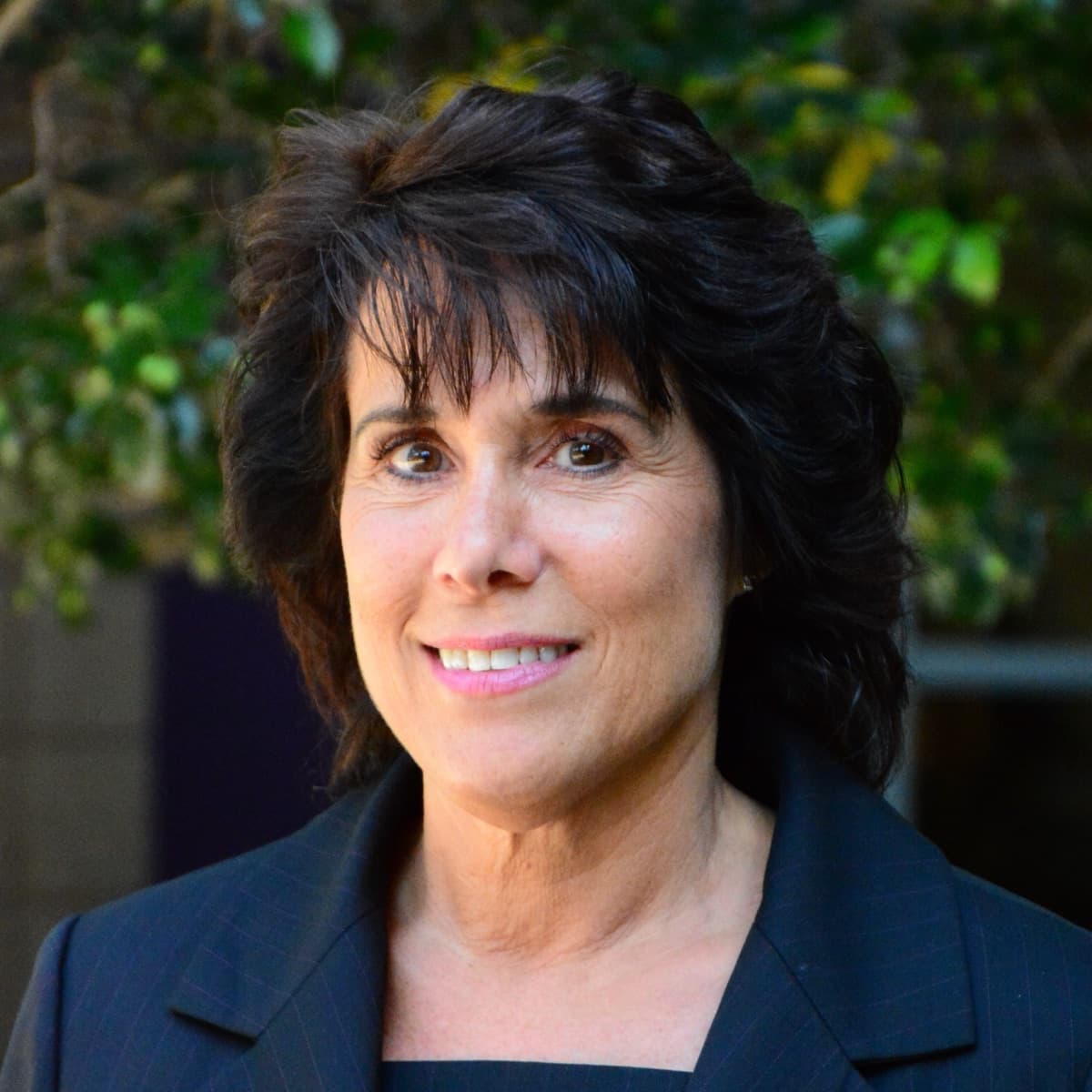
Carrie Frank

Henry Queener
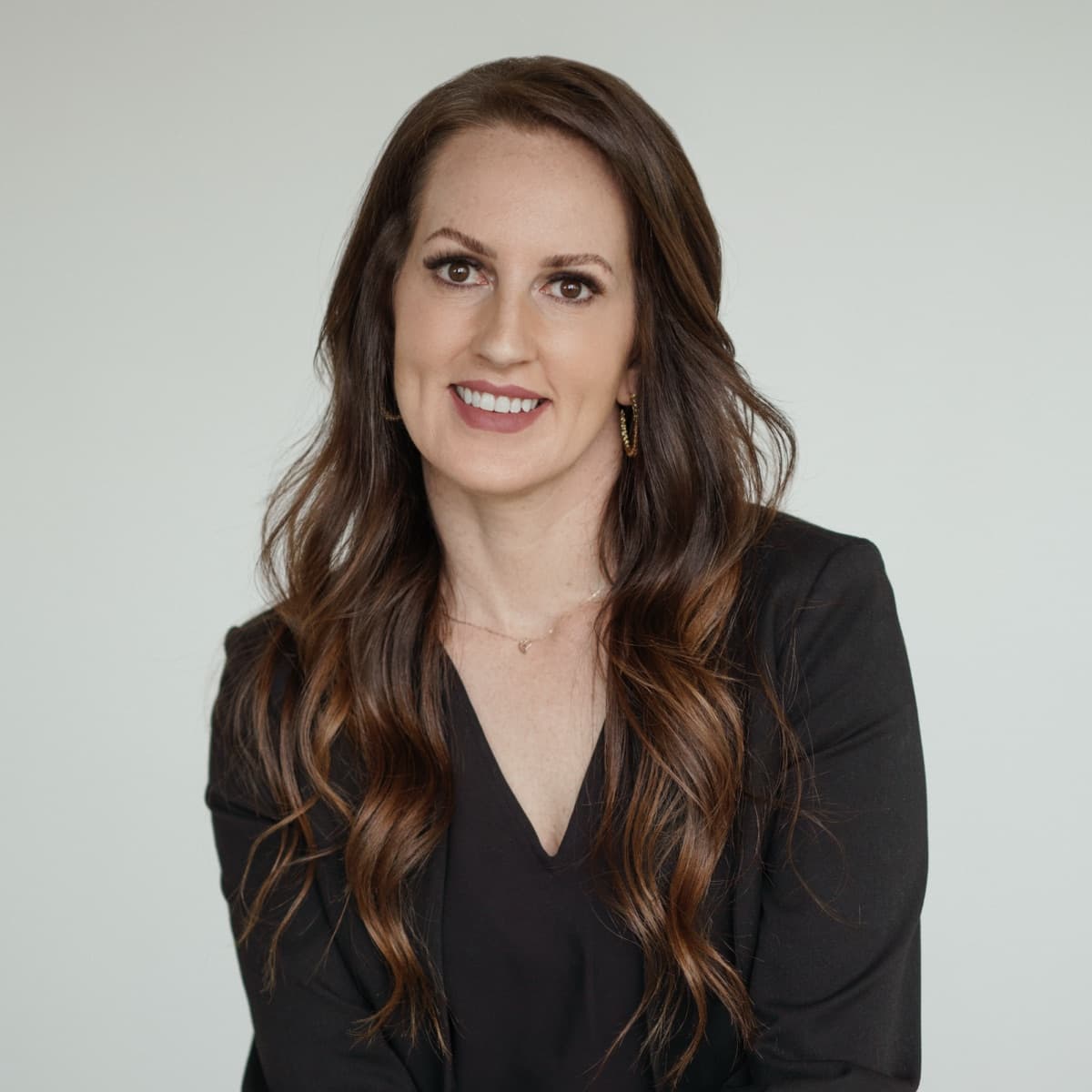
Jennifer Moore
What attorneys say after working with us.
“I had the privilege of working with ProvenFocus on a particularly contentious 30(b)(6) deposition. Their intervention was pivotal in steering the case towards a successful settlement. The ProvenFocus team are exceptional, their expertise added immense value and helped push the opposing side to settle. Jennifer's professionalism, helpfulness, and extensive knowledge were instrumental in achieving a favorable outcome. I highly recommend her consultation services and would not hesitate to engage her again in the future. She did an outstanding job for both my client and myself.”
“The ProvenFocus team is exceptional. Their depth of experience shows in every interaction, and they consistently take the time to prepare thoroughly and guide our team through each stage of the litigation process, including depositions and trial. They consult closely on the case and tailor a strategic plan, pairing us with the team members best suited to prepare our witnesses. They are organized, intelligent, savvy, and relentlessly dedicated to ensuring we are ready for whatever comes next.”
“I am an attorney that hired Jennifer to work with me on a difficult personal injury case. Jennifer's out-of-the-box thinking helped immensely through the discovery process and resulted in a successful outcome for the client. If you are an attorney who could use some outside expertise on a case, I highly recommend Jennifer.”
Ask. Listen. Refine. Win.
Ready to put your case in front of real people?
We do a short intake call to understand your matter, then propose the right combination of focus group, witness prep, and discovery support.
Questions before scheduling? info@proven-focus.com